Guides
JA EN
Start

Build the timetable, then run the night from it.

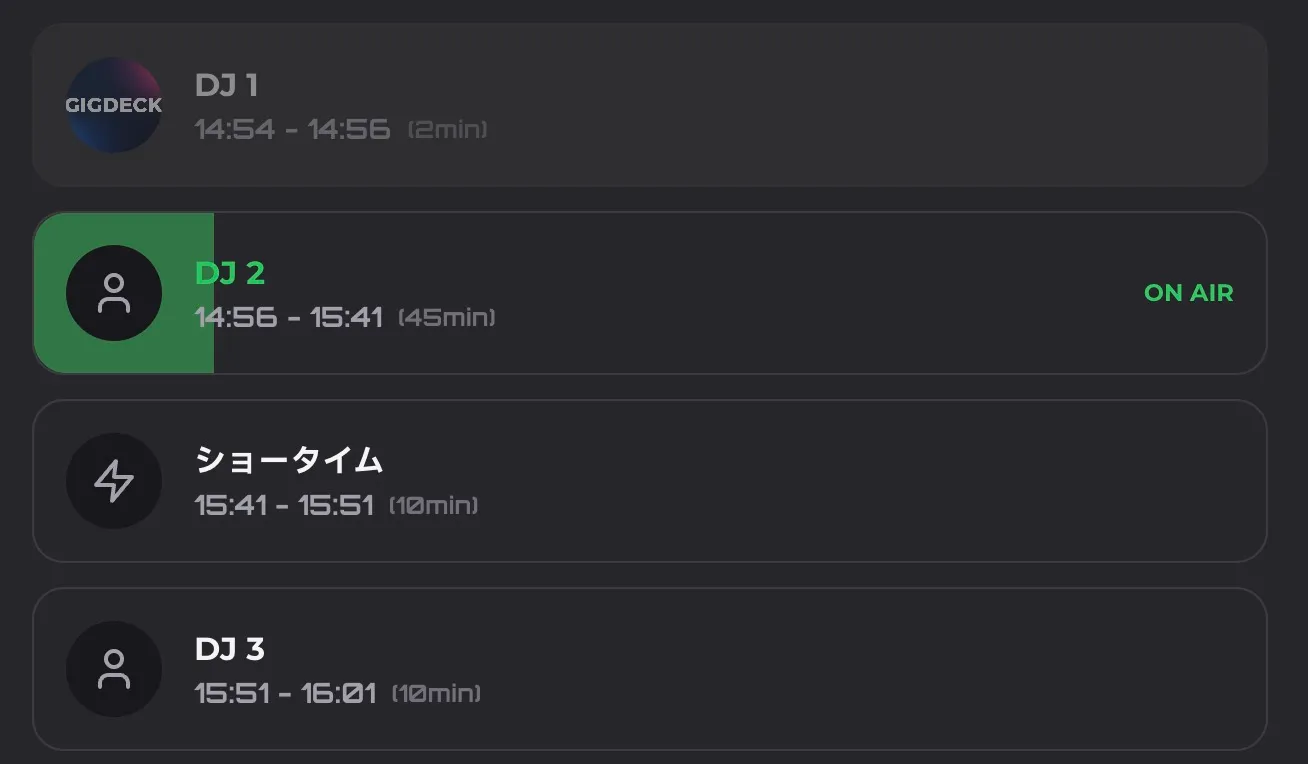
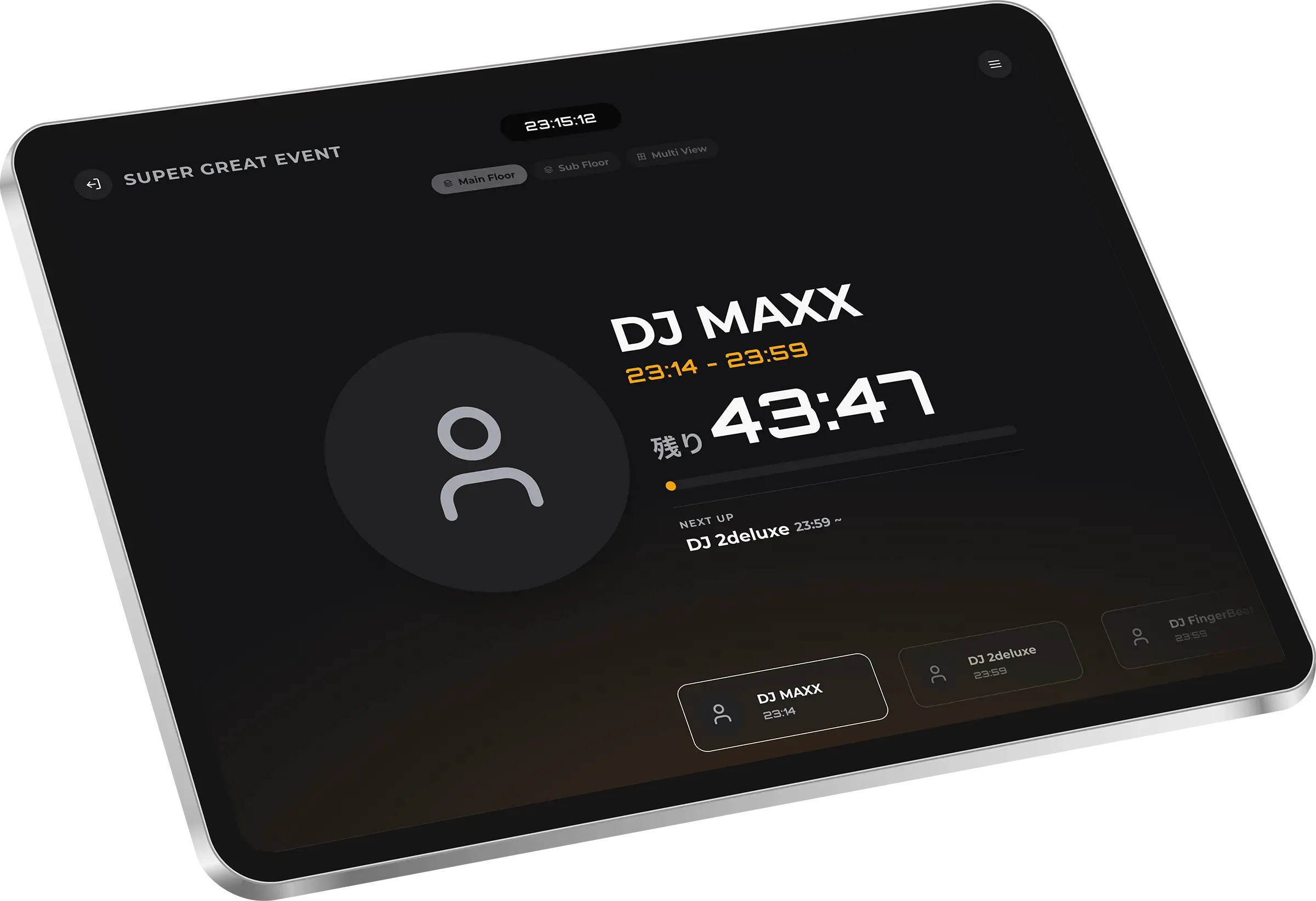
Enter the running order and set lengths, and start and end times fill themselves in. On the night, switch to the live screen and it shows who is on and how long is left.

Nothing to install. You can try one event without an account — guest data is deleted after 36 hours.

From building it to running it.

The prep you do beforehand and the screen you watch in the booth run on the same data.

Enter set lengths and skip the arithmetic
List the acts with their minutes and the start and end times appear. Changeover slots drop in the same way.
On the night, switch to the live screen
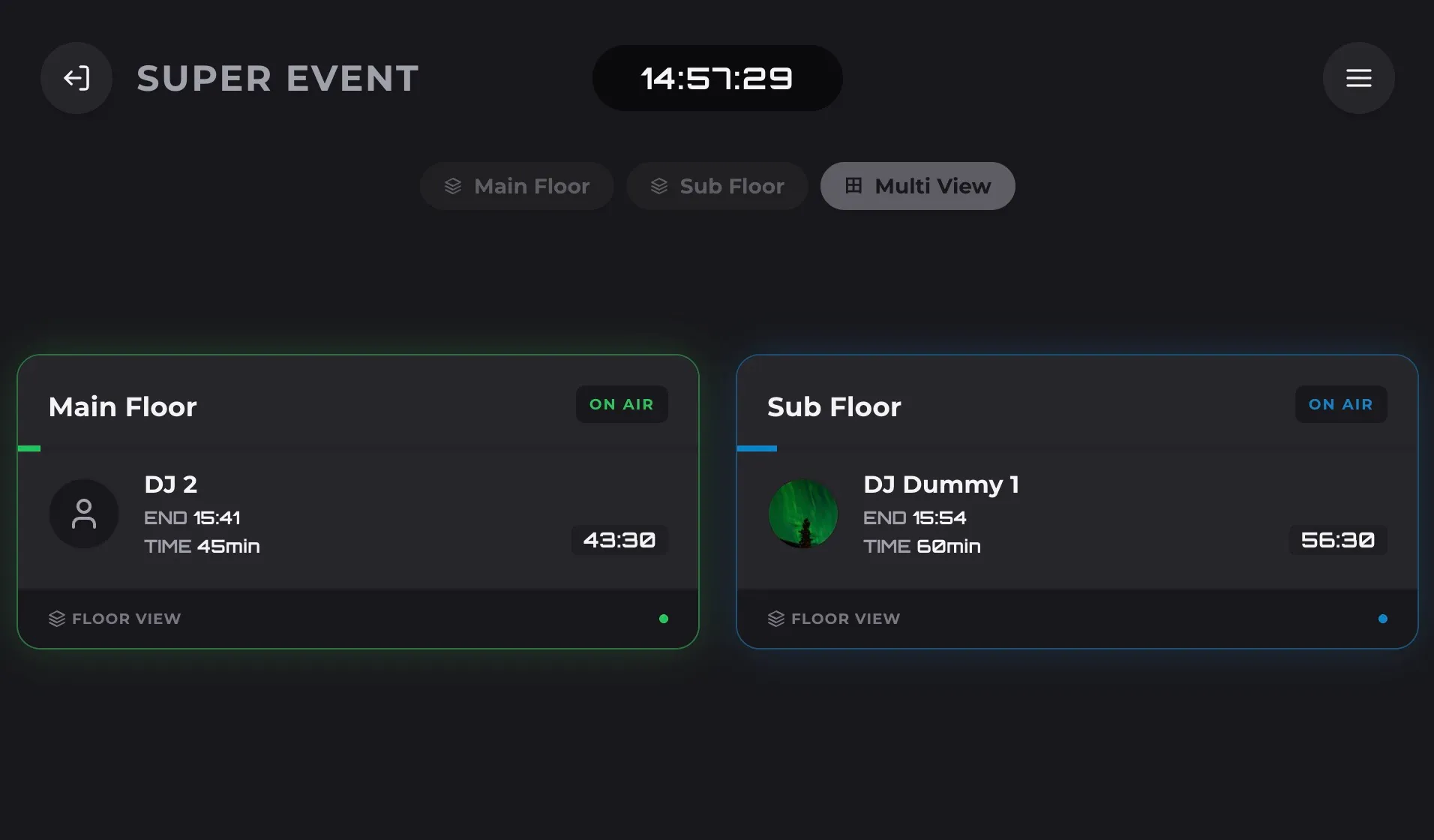
It shows who is on, who is next, and how long is left, in large type. Events with more than one floor are supported.
Run late and the later times still line up
Change one slot and every time after it is recalculated — including on the screens of anyone holding the view-only link.
Editing a timetable in GIGDECK

A spreadsheet costs you most on the night.

For planning, a spreadsheet is fine. The gap opens up the moment something changes.

Working out times Spreadsheet and notes GIGDECK
Working out times Change one slot, then redo every later time by hand Start and end times come from the set lengths
Pushing a change out Rebuild the sheet and send it round again Fix one slot and everything after it lines up
Knowing it is current No way to tell which version people are looking at Everyone opening the same link sees the current one
The screen on the night Read off your own sheet and tell people out loud Leave up a screen that counts the time down in large type

Build it. Run it. Share it.

Do these three in three different tools and they drift apart on the night. Keep them in one timetable.

Move an act and every later time moves with it.

Add each DJ or VJ with their set length and drag the cards into order. No spreadsheet cells to fix afterwards.

  • End times and the next start time recalculate automatically
  • Drag and drop to change the running order

Readable from across a dark booth.

The live screen shows who is on, who is next, and how long is left, in high contrast. On supported devices you can also keep the screen awake.

  • A countdown you can read from a distance
  • Keeping the screen awake depends on the device and browser

Open the same URL, see the same running order.

Copy a view-only link and hand it out. While you are online, your edits reach every staff member and guest looking at it.

  • Share a view-only link without giving away editing access
  • Updates need an internet connection
The GIGDECK live screen shown on several devices

Where people run it.

From a small club night to a show with constant changeovers, what matters is that everyone reads the same clock.

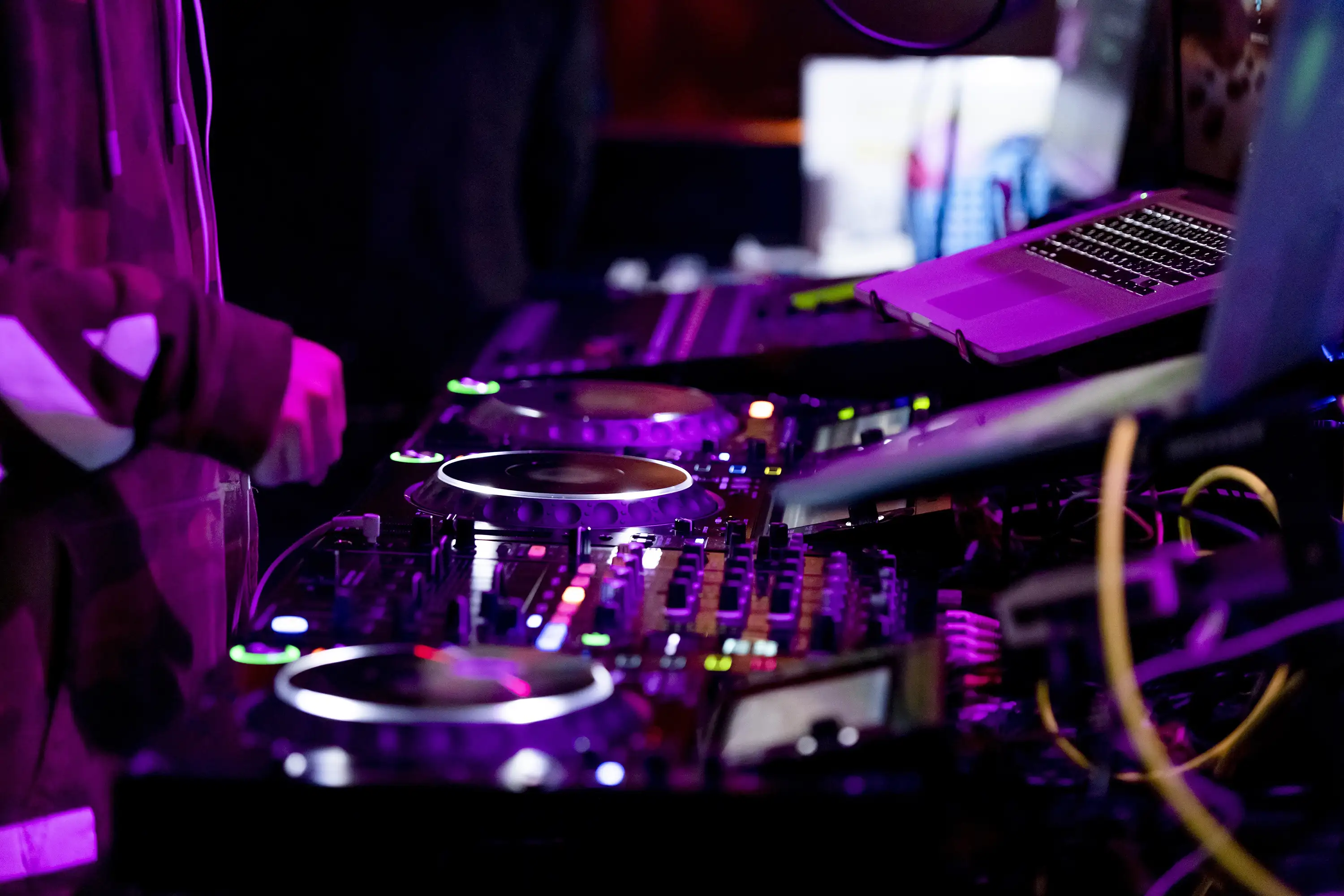
A DJ playing in a booth

Keep a small crew on the same page.

Door, bar, and booth all follow the same running order.

Read the guide
A live venue with the lights up

Handle changeovers and overruns as they happen.

Fix an order or a set length and the times after it recalculate.

Read the guide
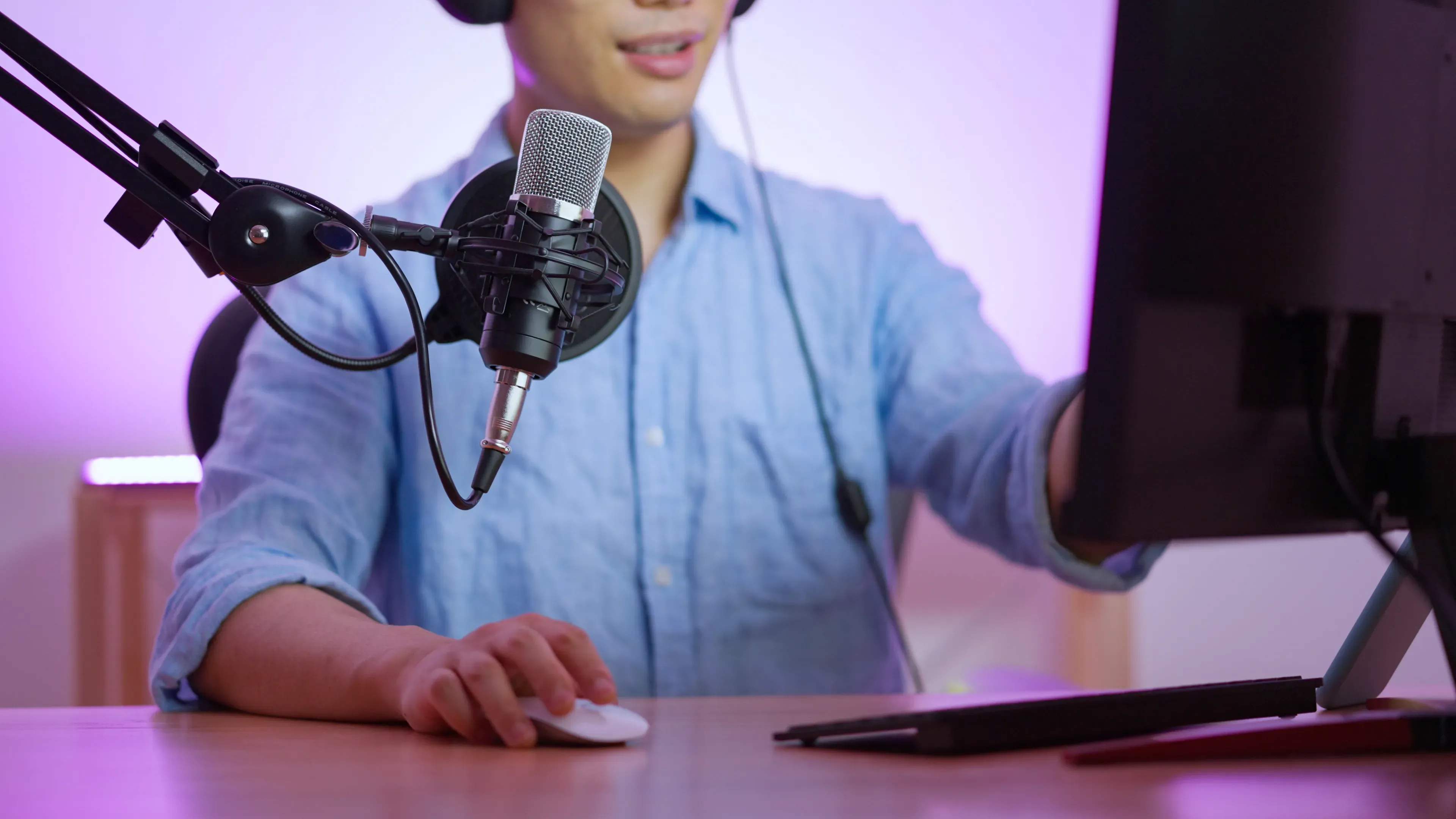
A host running a talk stream

Works for streams and talk segments too.

Hosts and crew share the next start time and the time remaining.

Read the guide

Three steps to showtime.

No special setup, no spreadsheet formulas.

  1. 1

    Create the event

    Enter the name, date, venue, and start time. You can try one event as a guest.

  2. 2

    Add the lineup

    Add each DJ or VJ with their set length, then drag them into order.

  3. 3

    Show and share it

    Open the live screen and copy the view-only link if you need it.

Start free Free accounts can hold up to three events

Worth knowing before you start.

What it needs to work at a venue, and how far the free tier goes.

Do I need to install an app?
No. It runs in Safari, Chrome, and other web browsers on phones, tablets, and computers.
How much can I do for free?
Guests can create one event without signing up. Free accounts can hold up to three.
Can people edit the timetable if I share the link?
The shared link is view-only. Guests can read the timetable but cannot change the event.
Will it work at a venue with poor reception?
A screen that has already loaded keeps showing what it has, but syncing times and receiving edits needs an internet connection. Check the venue’s signal before doors.
Will the screen turn off during the show?
You can turn on keep-awake in settings. It depends on the device, browser, and OS, so test it before the show and keep the device on power.
Practical field guides

Start with these three guides to planning, operating, and choosing a tool.

All guides

Run your next event on one shared time.

Try it without registration. No installation required.